Describe the bug
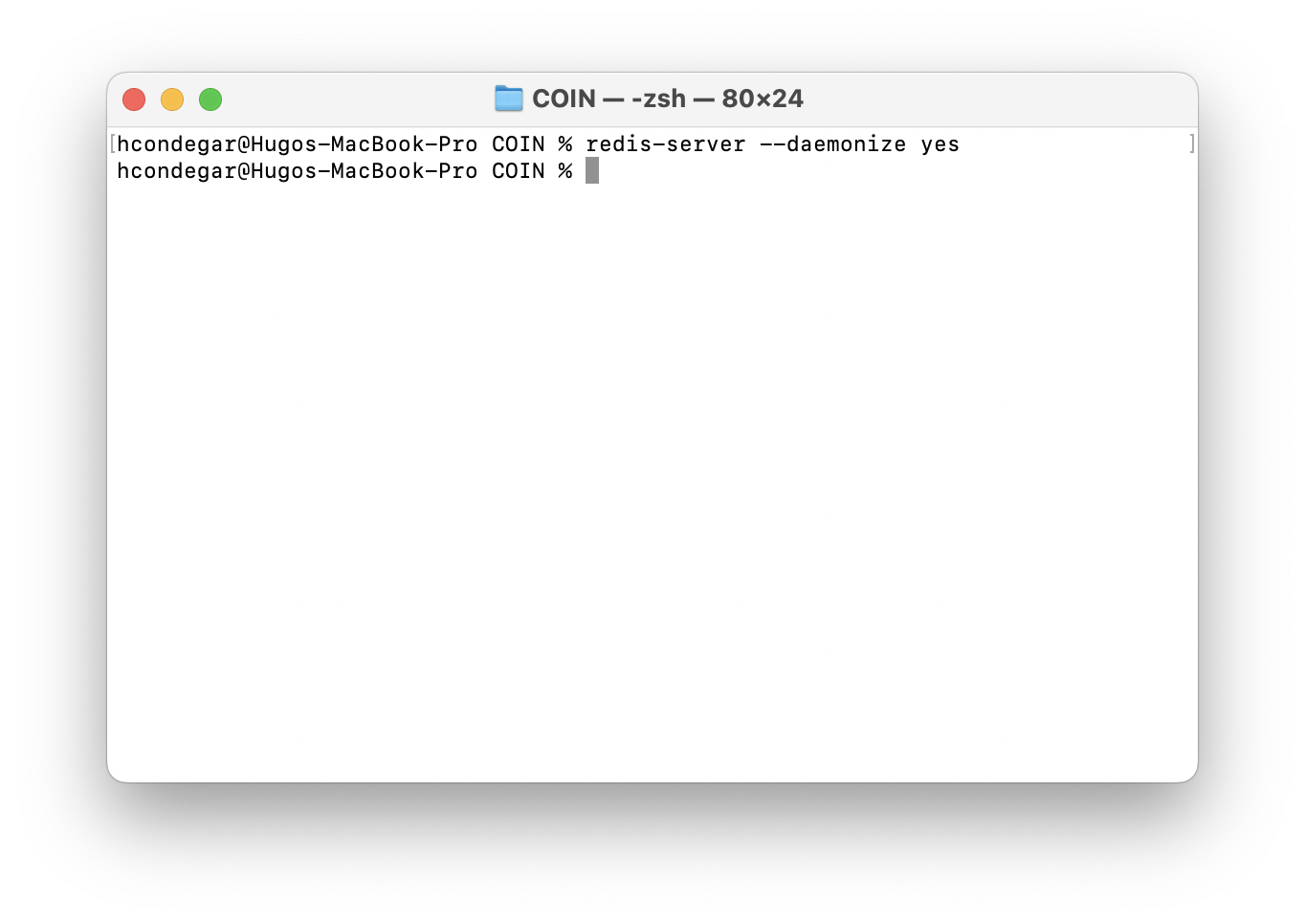
When I run redis-server --daemonize yes on my M1 MacBook Pro it doesn't return anything, and the server is not running.
To reproduce
Run the redis-server --daemonize yes on the Mac terminal.
Expected behavior
The command doesn't returns anything.
Additional information
Comment From: enjoy-binbin
which version do you use? i guess you can try to set --daemonize to no, and then if there is an error, you will be able to see it and find out which part is wrong
Comment From: ianneshc
I'm using redis-server on its 7.0.4 version. When I run redis-server --daemonize no it returns the following output:
4198:C 22 Aug 2022 22:52:53.533 # oO0OoO0OoO0Oo Redis is starting oO0OoO0OoO0Oo
4198:C 22 Aug 2022 22:52:53.534 # Redis version=7.0.4, bits=64, commit=00000000, modified=0, pid=4198, just started
4198:C 22 Aug 2022 22:52:53.534 # Configuration loaded
4198:M 22 Aug 2022 22:52:53.534 * Increased maximum number of open files to 10032 (it was originally set to 256).
4198:M 22 Aug 2022 22:52:53.534 * monotonic clock: POSIX clock_gettime
4198:M 22 Aug 2022 22:52:53.535 # Warning: Could not create server TCP listening socket *:6379: bind: Address already in use
4198:M 22 Aug 2022 22:52:53.535 # Failed listening on port 6379 (TCP), aborting.
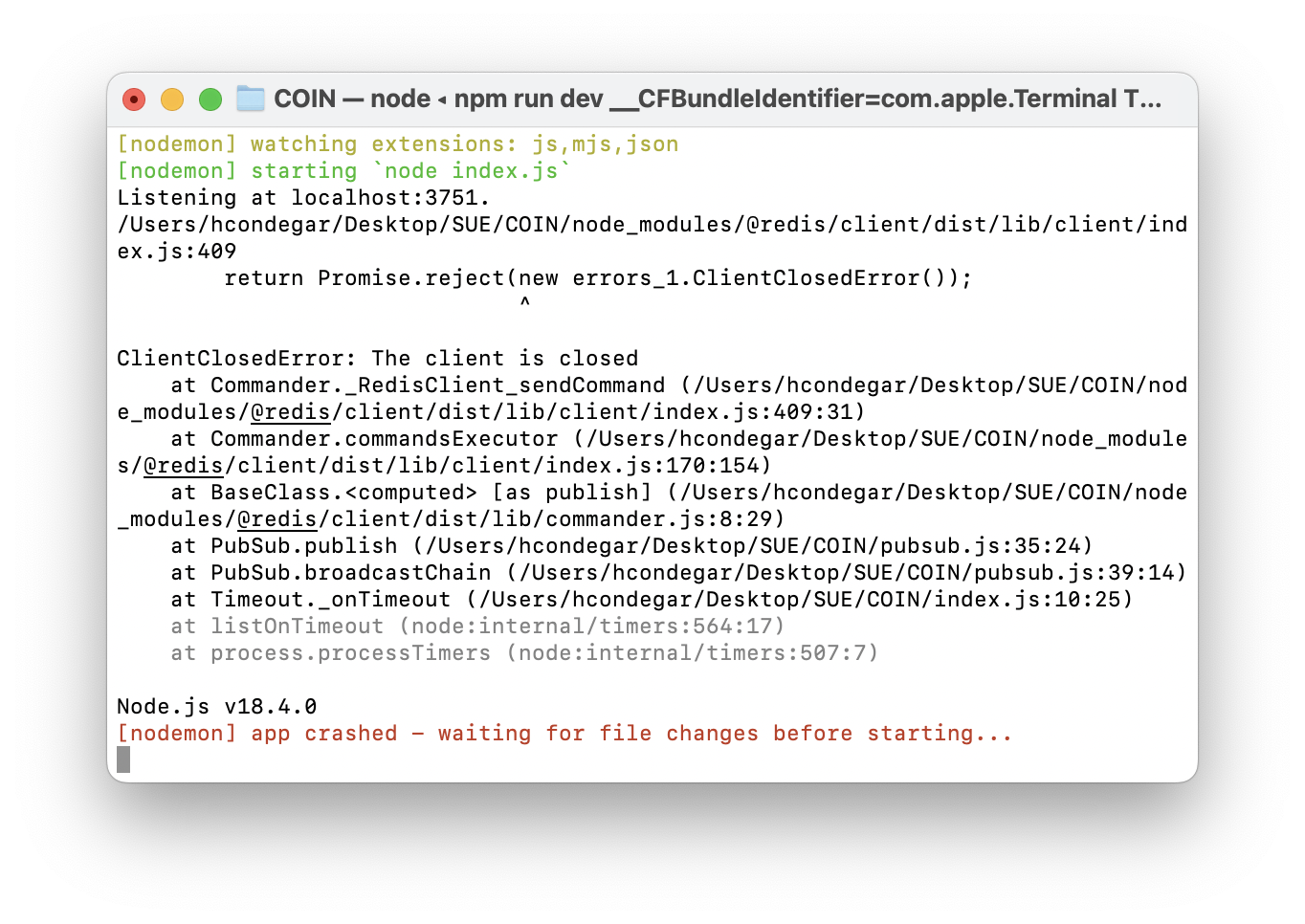
This is the node output:
Comment From: enjoy-binbin
you can see there is an error (warning): please check this (i guess you can try to kill it and try again with daemonize no )
# Warning: Could not create server TCP listening socket *:6379: bind: Address already in use
# Failed listening on port 6379 (TCP), aborting.
and the mean time, you can see more info about the daemonize in here: https://github.com/redis/redis/blob/7.0.4/redis.conf#L306 and protected-mode in here: https://github.com/redis/redis/blob/7.0.4/redis.conf#L101